
Posts for: #fedora

Fedora 40 Enhances Security with Systemd Hardening Measures

Fedora 40 Enhances Security with Systemd Hardening Measures

Fedora 40 is set to enhance system security by utilizing high-level security features offered by systemd, as reported by Phoronix. The upcoming release of Fedora plans to enable several optional settings provided by systemd to strengthen the security of services running on the system. These settings include PrivateTmp, ProtectSystem, ProtectHome, ProtectClock, ProtectHostname, ProtectKernelModules, PrivateDevices, PrivateNetwork, NoNewPrivileges, ProtectKernelTunables, and other options that provide additional restrictions and isolation for systemd services.

The change proposal for this systemd security hardening has been approved by the Fedora Engineering and Steering Committee (FESCo) and is expected to be implemented in Fedora 40, due to debut in the spring. The inclusion of these security measures will significantly enhance the default security of Fedora services, protecting against any potential unknown security vulnerabilities in default system services.

For more information on the systemd security hardening changes planned for Fedora 40, you can refer to the change proposal and the approval by FESCo.

Source: Phoronix.
Upgrade Fedora 30 to 31

This tutorial will show the upgrade process for Fedora from version 30 to version 31. Fedora is a Linux distribution aimed at servers, workstations, and all kinds of use cases. It runs on both x86_64 and ARM64, and other platforms. This tutorial is aimed at Fedora Server, but it should work the same on Fedora Workstation. Prepare First of all, make a backup of your system. System upgrades should work fine, but from time to time they break.
Read more →

Create a Docker Swarm Cluster on DigitalOcean

Create a Docker Swarm Cluster on DigitalOcean
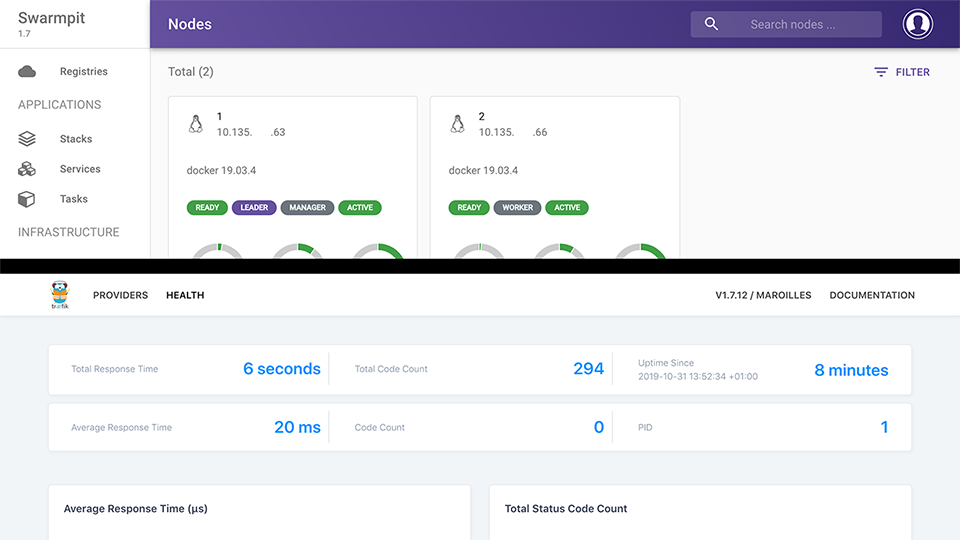
This tutorial will guide you through the process of setting up a Docker Swarm cluster on DigitalOcean. It’ll also show you how to deploy Traefik as a reverse proxy for your services and Swarmpit as a web interface for your cluster. We’ll use Fedora 30 as the OS for this tutorial. If you sign up to DigitalOcean using this link, you’ll receive $50 to spend on their services over 30 days.
Read more →

Deploy a Three-Node Kubernetes Cluster on Fedora 30 on DigitalOcean

Deploy a Three-Node Kubernetes Cluster on Fedora 30 on DigitalOcean
Today, we’ll deploy a three-node Kubernetes cluster on top of Fedora 30. We’ll run the nodes on VMs in DigitalOcean’s data centers. DigitalOcean also offers a managed Kubernetes deployment, but we’ll deploy it manually using kubeadm here. We will end up with a single control-plane cluster, i.e., lacking High Availability (HA) features. Using this link to DigitalOcean will grant you $50 to spend on DigitalOcean services over 30 days for free.
Read more →