This tutorial will show the upgrade process for Fedora from version 30 to version 31.
Fedora is a Linux distribution aimed at servers, workstations, and all kinds of use cases. It runs on both x86_64 and ARM64, and other platforms.
This tutorial is aimed at Fedora Server, but it should work the same on Fedora Workstation.
Prepare First of all, make a backup of your system. System upgrades should work fine, but from time to time they break.
In this tutorial, we’ll deploy Bitwarden on Docker Swarm. It’s based on an earlier tutorial on this site, where we deployed Docker Swarm on DigitalOcean.
Bitwarden is a password manager with support for self-hosting. We’ll use bitwarden_rs, an unofficial Bitwarden API server implementation, as it’s a bit faster than the default implementation. Bitwarden_rs is written in Rust and is compatible with the official Bitwarden clients.
Bitwarden has the following features, among others:
This short tutorial demonstrates how simple it is to deploy applications, in this case GitLab CE, with a Docker Swarm cluster. It builds on the last one, which deployed a Docker Swarm cluster on DigitalOcean.
GitLab CE can also be installed and run on a bare-metal server as well.
It assumes you have a Docker Swarm cluster running and that you have root access to your nodes.
Prepare Manager Node First, GitLab CE requires a decent amount of resources.
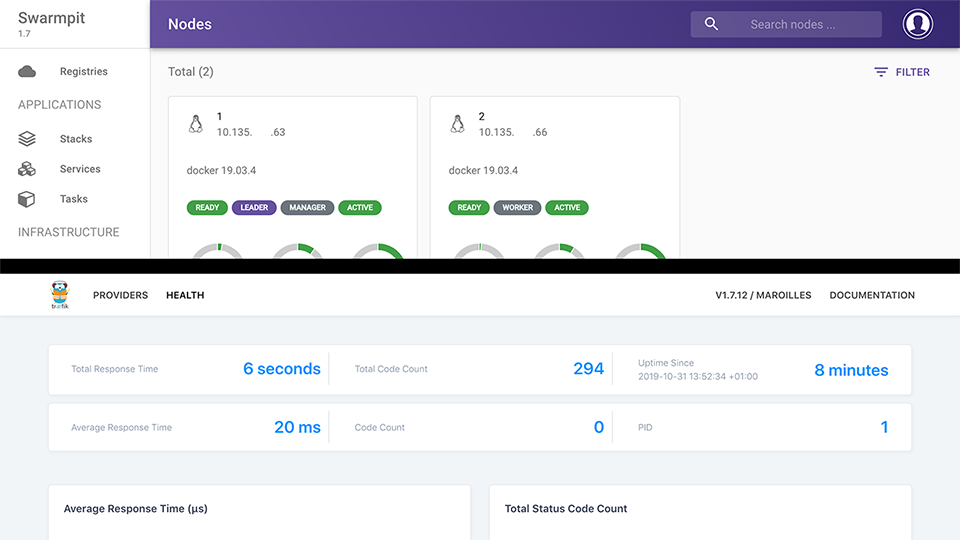
This tutorial will guide you through the process of setting up a Docker Swarm cluster on DigitalOcean. It’ll also show you how to deploy Traefik as a reverse proxy for your services and Swarmpit as a web interface for your cluster. We’ll use Fedora 30 as the OS for this tutorial.
If you sign up to DigitalOcean using this link, you’ll receive $50 to spend on their services over 30 days.
Today, we’ll deploy a three-node Kubernetes cluster on top of Fedora 30. We’ll run the nodes on VMs in DigitalOcean’s data centers. DigitalOcean also offers a managed Kubernetes deployment, but we’ll deploy it manually using kubeadm here. We will end up with a single control-plane cluster, i.e., lacking High Availability (HA) features.
Using this link to DigitalOcean will grant you $50 to spend on DigitalOcean services over 30 days for free.
This post is a collection of articles and tutorials on customizing the look and feel of Proxmox VE 6.0. It will be added to in the coming weeks and months as I find other areas of possible customization. Start with the first article, and proceed to whichever customization you want. I use most of these on my three-node Intel NUC Proxmox VE cluster.
Make Customizations to Proxmox VE 6.0 Persistent Use Free, No-Subscription Repositories on Proxmox VE 6.