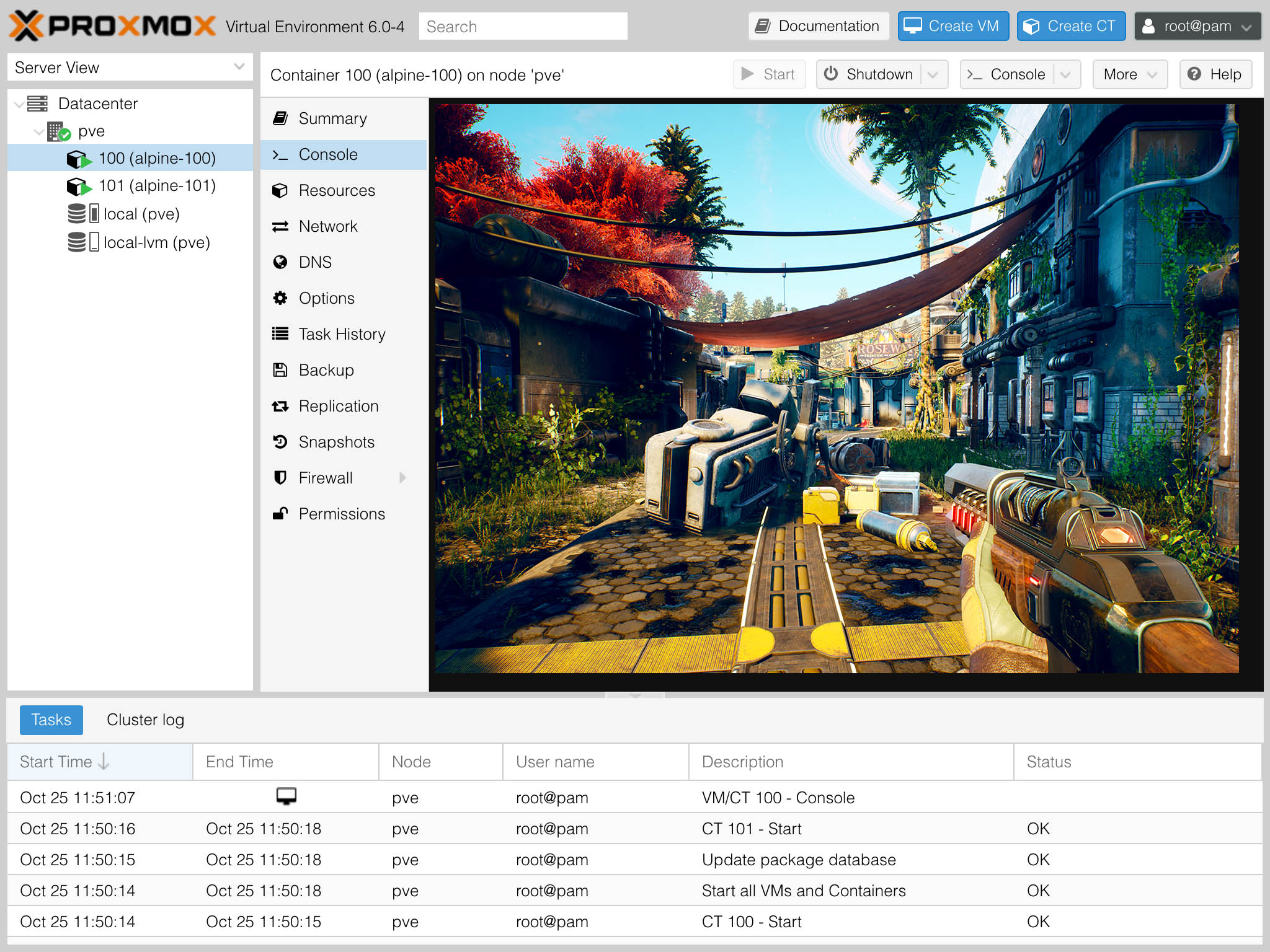
This time, we’ll make customizations to Proxmox VE permanent across upgrades to the system. We’ll create a hook for apt, the package manager used by Proxmox VE, that executes a script reapplying the customizations. I use a similar solution to make various customizations and changes to Proxmox VE running on low-power Intel NUC nodes persist.
Note: If you are logged in as root (I think you should be logged in as another user), leave out sudo in the commands below.
Proxmox VE 6.0 is an incredible virtualization platform that works great on everything from low-power computers like the Intel NUC to Threadripper PRO workstations and massive AMD EPYC-based servers with up to 128 cores, 256 threads, and 4TB RAM. And Proxmox VE is free, too!
However, it uses enterprise subscription-only repositories by default and won’t allow you to install upgrade packages without a subscription. Instead, this article will show you how to use free, no-subscription repositories.
This article will show how simple enabling GPU passthrough on your Proxmox VE 6.0 host is. My best experience has been with AMD GPUs, specifically the AMD Radeon Vega 56, AMD Radeon RX 580 and the newer NVIDIA GeForce 3060 Ti. Here, we will use an integrated Intel GPU, though, in an old Intel NUC. This guide can also be used to pass through other devices, such as NICs.
This article assumes your hardware has the necessary support for virtualization, IOMMU, VFIO, and so on and that your hardware is running Proxmox VE 6.