Posts for: #storage

OpenZFS/ZFS on Linux Releases Version zfs-2.1.13

The OpenZFS project has released version 2.1.13, of the open-source implementation of the ZFS file system and volume manager. ZFS supports features like data compression, data deduplication, copy-on-write clones, snapshots, and RAID-Z. It also supports the creation of virtual devices.

The new version is compatible with Linux kernels 3.10 to 6.5 and FreeBSD releases starting from 12.2-RELEASE. The release includes various changes and fixes, including improvements for Linux compatibility and bug fixes for issues related to automounted snapshots, L2ARC write size calculation, and memory leaks. The update also includes enhancements for zed, zfs-dkms rpm, and bash completion. Overall, the release brings improved stability and compatibility for users of OpenZFS/ZFS on Linux.

ZFS is a great choice for home servers and use on DIY network attached storage units, and is the file system that TrueNAS uses. It can also run perfectly well on the Raspberry Pi.

See the full release notes here.

PuzzleFS: Aims to be Top File-System Choice for Containers

PuzzleFS has been quietly making progress as a new file-system designed specifically for containers, writes Phoronix. Developed by Cisco engineers, PuzzleFS aims to address the limitations of the OCI (Open Container Initiative) and is written in the Rust programming language.

The kernel driver for PuzzleFS, also written in Rust, is currently being developed outside the mainline Linux kernel. This is due to the lack of necessary Rust abstractions in the mainline kernel. PuzzleFS offers several design goals, including immutability, reduced duplication, reproducible image builds, direct mounting support, data integrity, and memory safety guarantees. The file-system also includes optimal Zstd compression support.

Source: Phoronix.

Thunderbolt 5 to Offer 120 Gbps Bandwidth, Ideal for High-Speed Storage

Intel has recently announced Thunderbolt 5, the latest iteration of their high-speed connectivity technology. With up to 120 Gbps bandwidth when using “Bandwidth Boost,” Thunderbolt 5 offers significant improvements over its predecessor.

The key features of Thunderbolt 5 include:

  • 80 Gbps of bi-directional bandwidth, with the option to boost it to 120 Gbps for video-intensive usage.
  • Double the PCI Express data throughput, resulting in faster storage and external graphics performance.
  • Compatibility with USB4 V2, DisplayPort 2.1, and PCI Express Gen 4.
  • Double the bandwidth of Thunderbolt Networking for high-speed PC-to-PC connections.
  • PAM-3 signaling technology that enhances performance with existing circuit boards, connectors, and passive cables up to 1 meter.

Thunderbolt 5 is aimed at meeting the needs of content creators, gamers, and professionals who require high-speed connectivity. While it may take some time for Thunderbolt 5 to become prevalent in mini PCs, its adoption is expected to increase as the demand for faster storage and high-performance eGPU grows.

Premium PCs and laptops are likely to integrate Thunderbolt 5 soon, as Intel’s controller, codenamed Barlow Ridge, is set to be available in 2024.

For storage enthusiasts and those building home servers, Thunderbolt 5 offers an exciting prospect. Its increased bandwidth and compatibility with USB4 V2 make it a suitable choice for high-speed data transfer and storage solutions. Additionally, Thunderbolt 5’s ability to support multiple 8K monitors opens up possibilities for multi-display setups in server or network environments.

It’s worth noting that Thunderbolt 5’s potential for storage extends beyond traditional setups. For instance, AWS has adopted Thunderbolt for their Apple Silicon Mac mini datacenter offering, utilizing its capabilities for high-speed storage.

For more detailed information on Thunderbolt 5, refer to Intel’s press release and the product page.

Source: CNX Software – Embedded Systems News.
Install netatalk on SmartOS

Install netatalk on SmartOS
This tutorial will show you how to install netatalk on SmartOS. Netatalk is an open-source implementation of the Apple Filing Protocol, which used to be the default file-sharing protocol on Macs. It has since been replaced as the default file-sharing protocol on Macs by SMB/CIFS. Netatalk can be used to build your own NAS from commodity hardware instead of buying one, which is also an option. SmartOS supports AMD Ryzen and AMD EPYC CPUs since a while back, in addition to the long-supported Intel CPUs, such as the Intel Xeon.
Read more →

Compile ZFS on Linux 0.8.2 with Native Encryption on ARM64

Compile ZFS on Linux 0.8.2 with Native Encryption on ARM64
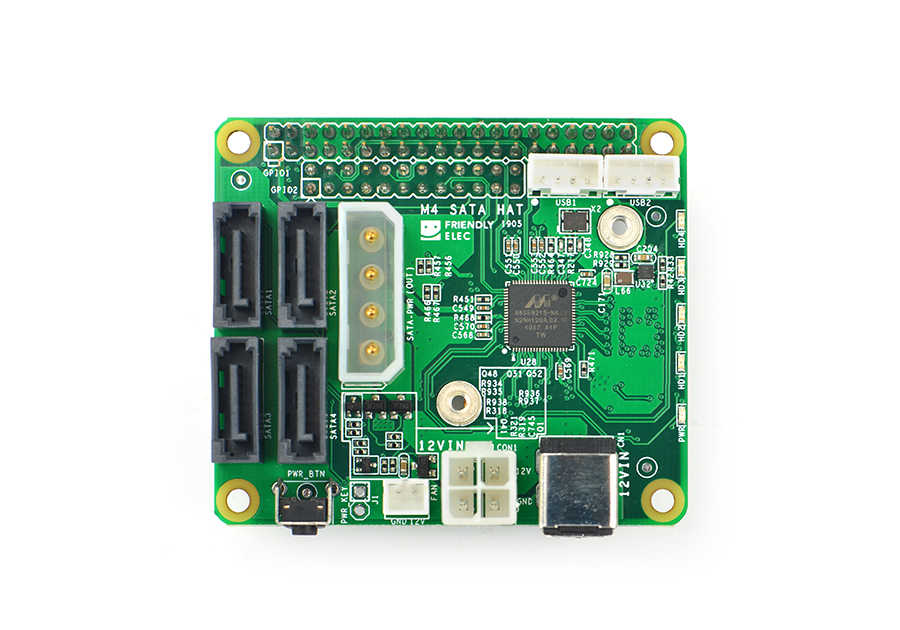
This article will show how to compile ZFS on Linux 0.8.2 on Ubuntu 18.04 on ARM64, specifically the FriendlyElec NanoPi M4 single board computer, which has a four-port SATA HAT available. It also works great on other single-board computers, and I’ve successfully compiled and used ZFS on the Raspberry Pi. These instructions will likely work on other architectures supported by ZFS on Linux, such as x86_64. Install ZFS build requirements Use apt to install the packages needed to build ZFS 0.
Read more →